We'll use your location to orient you. It never leaves your device.
Location blocked
Your browser is blocking location information.
Browsers all hide this in a slightly different place. Look next to the address bar for a lock, shield, info icon, or on iPhone Safari the aA menu — open this site’s settings or permissions, then allow location.
Safari (iPhone / iPad):aA → Website Settings → Location, or iOS Settings → Safari. Safari (Mac): Safari → Settings for This Website, or Safari → Settings → Websites → Location. Firefox: lock or shield in the address bar → permissions for this site → Location. Chrome / Edge / Brave: lock or tune icon → site settings → Location → Allow. (Exact labels vary by version and language.)
Or continue without location - the cosmic facts are the same wherever you are.
You Are Here
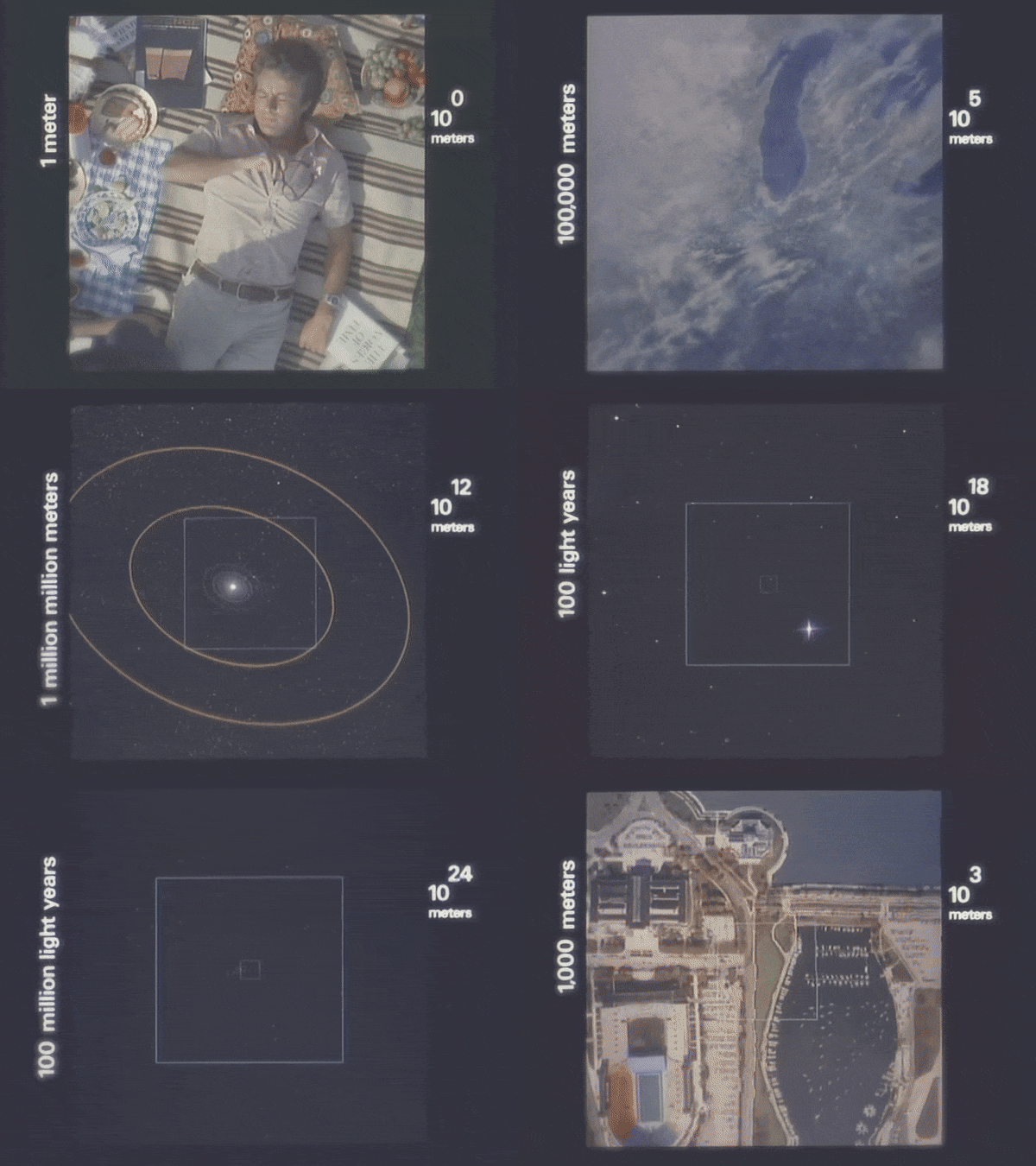
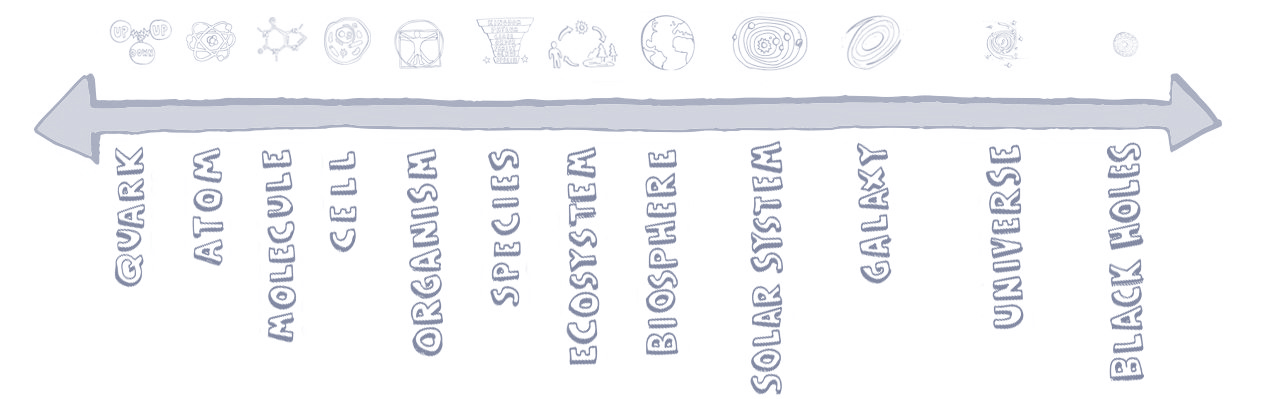
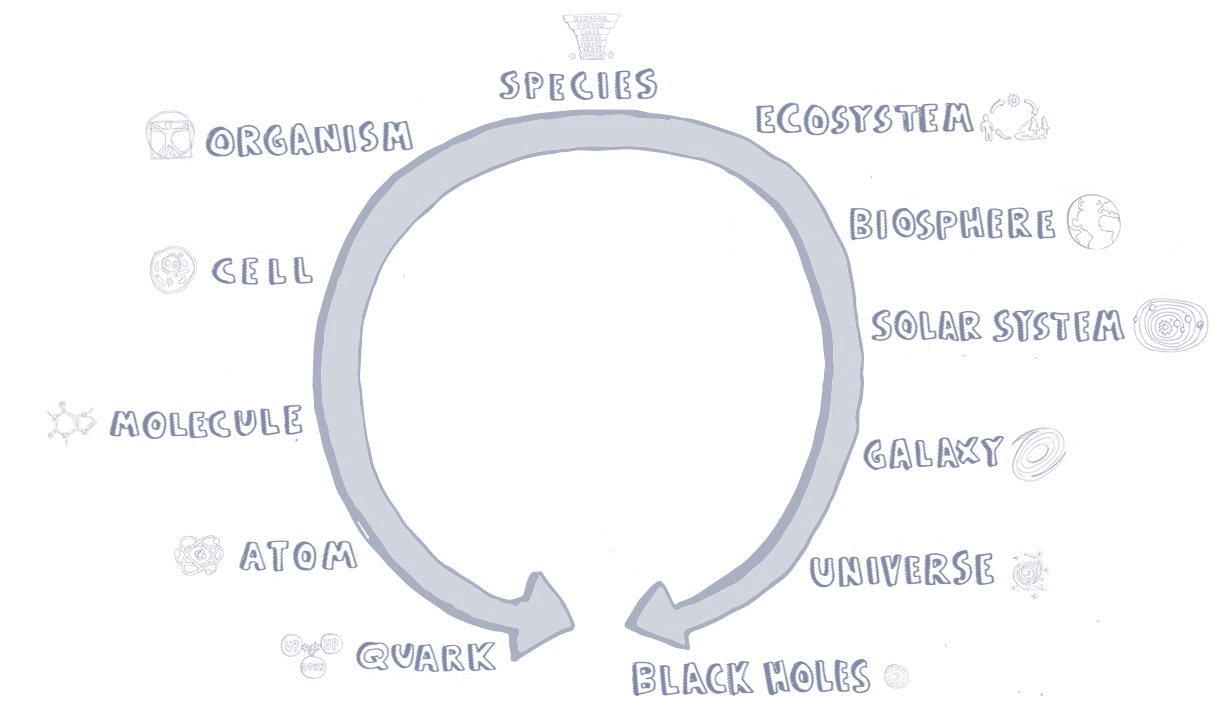
You are here. But where is “here”, exactly?Scroll down. Your sense of scale may shift.